Fictional PDF samples. Open a preview, then choose a template to edit your own details.
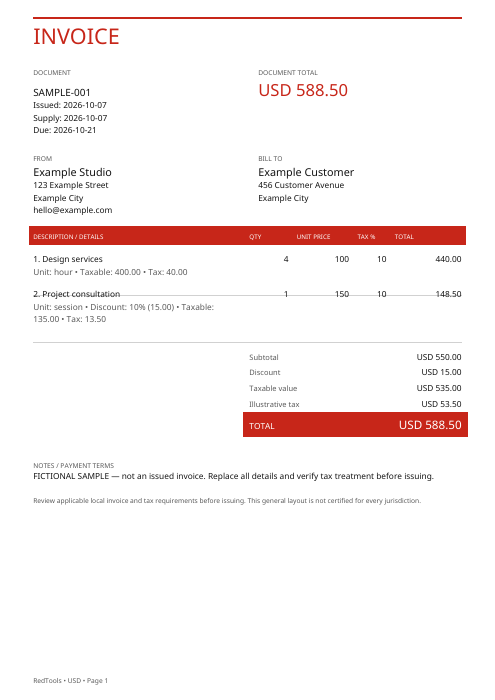
Modern Business
Balanced business layout with side-by-side billing details, a red table heading and right-aligned totals.
Preview sample PDF (opens a new tab)Use this template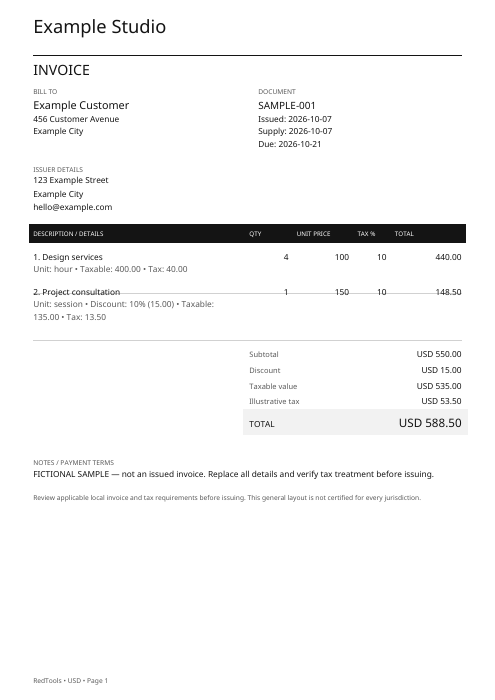
Professional Letterhead
Issuer-led letterhead, a document reference panel and a formal monochrome table. Good for established businesses.
Preview sample PDF (opens a new tab)Use this template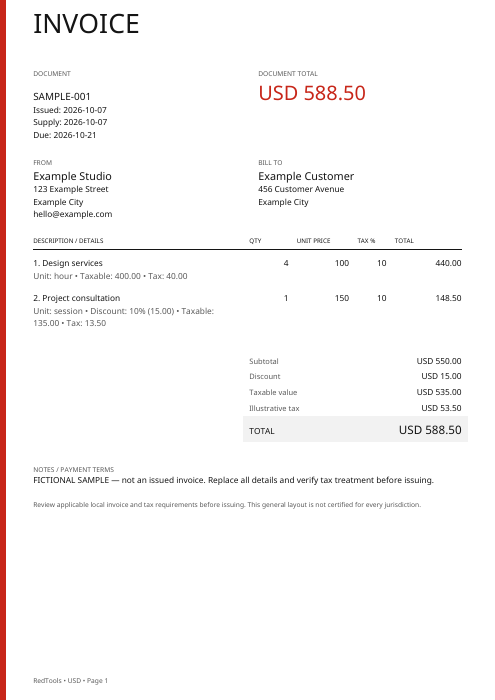
Studio
Large editorial heading, a red edge and open item rows. Designed for freelancers and creative services.
Preview sample PDF (opens a new tab)Use this template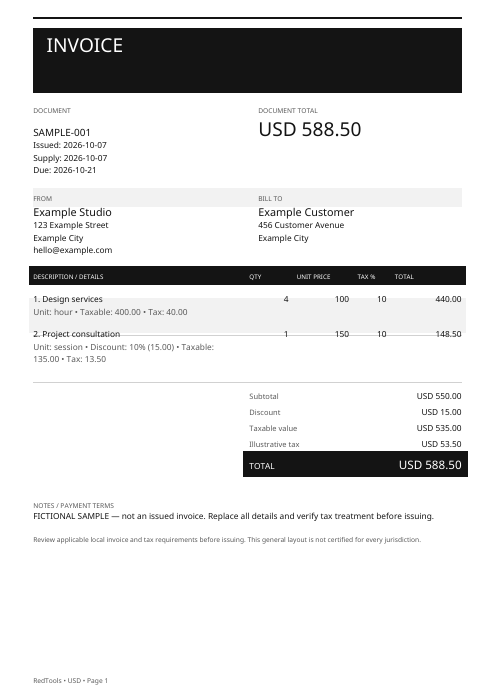
Executive
Black document banner, prominent total summary and shaded billing sections. A bold professional layout.
Preview sample PDF (opens a new tab)Use this template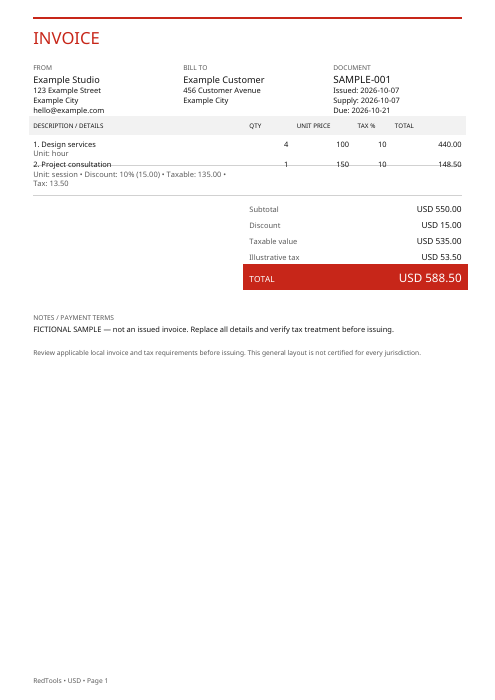
Compact Ledger
Space-efficient billing blocks and concise rows for longer item lists, while retaining tax and discount details.
Preview sample PDF (opens a new tab)Use this template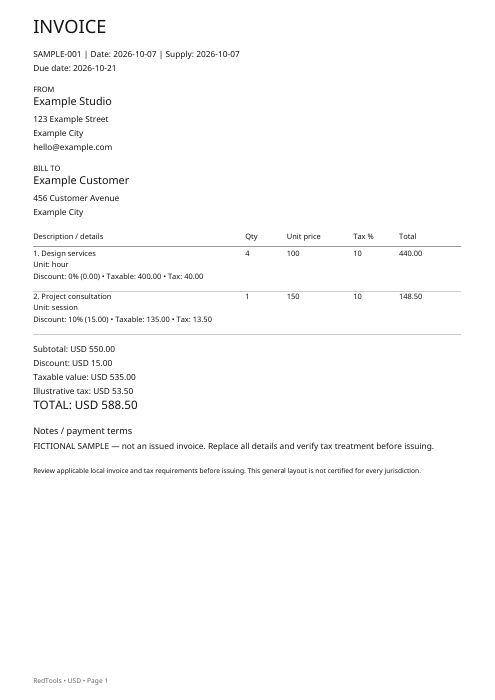
Classic
Traditional ruled tables and clear document sections.
Preview sample PDF (opens a new tab)Use this template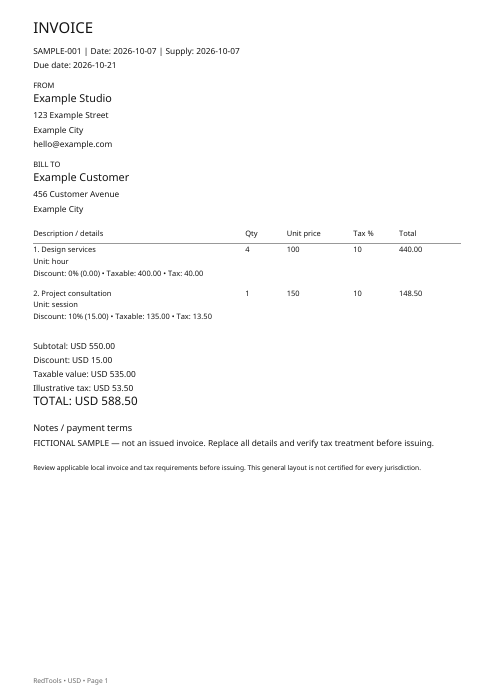
Minimal
Quiet typography and open rows for a restrained print layout.
Preview sample PDF (opens a new tab)Use this template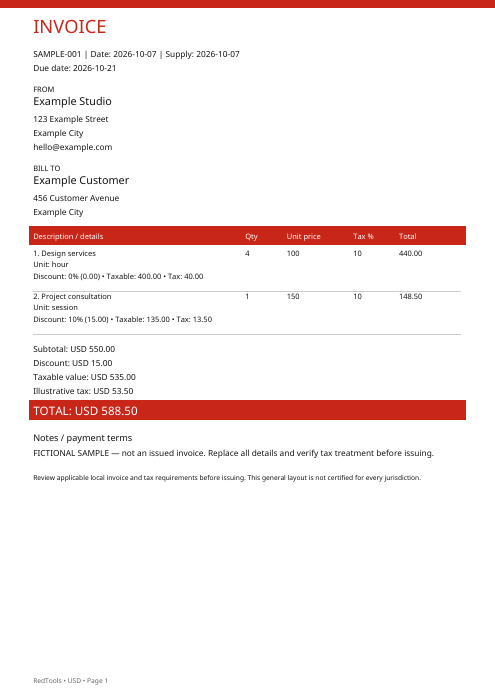
Red Accent
Red heading, table header and total with a white print surface.
Preview sample PDF (opens a new tab)Use this templateChoose by the document you need
Use a formal letterhead for established business correspondence, Studio for creative services, or Compact Ledger when the item list is longer. Each style supports the same general and Indian GST fields. Appearance does not determine tax compliance.
Preview real PDF output
The sample links below open PDFs produced by the actual invoice engine using fictional example data. They illustrate layout only. Use this template opens the editor with that style selected, without copying sample customer details into your invoice.
Before you issue
Replace every example field, check currency, dates, discount and tax assumptions, and review all pages of your generated PDF. Quotations and receipts are available in the same editor. Samples use illustrative rates; they are not legal or tax advice.